Connecting or disconnecting the Monitor
As of the Eplan License Manager - Monitor Version 2026 the specification of the port is also required for the connection to an Eplan License Manager 2026. Disconnect the port from the name or IP address by a colon.
Connecting the Monitor
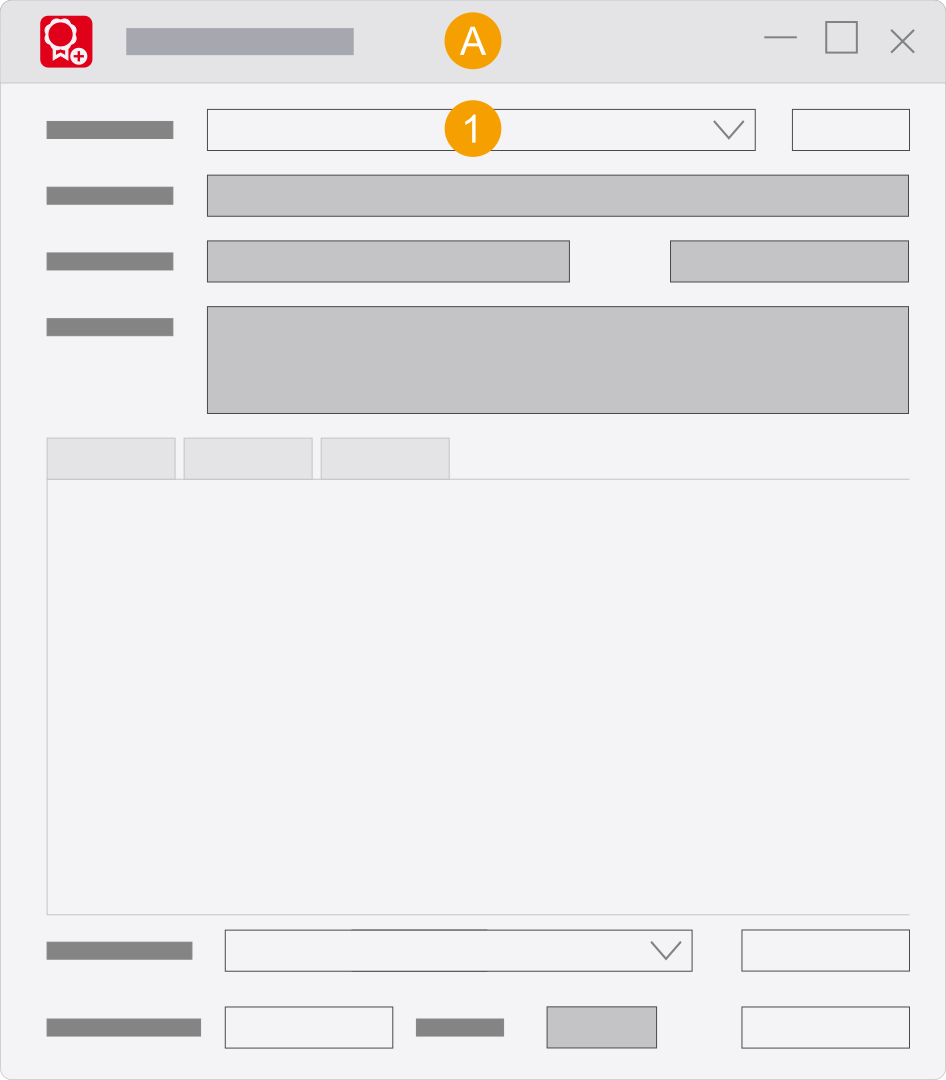
- Separately installed
Eplan License Manager - Monitor
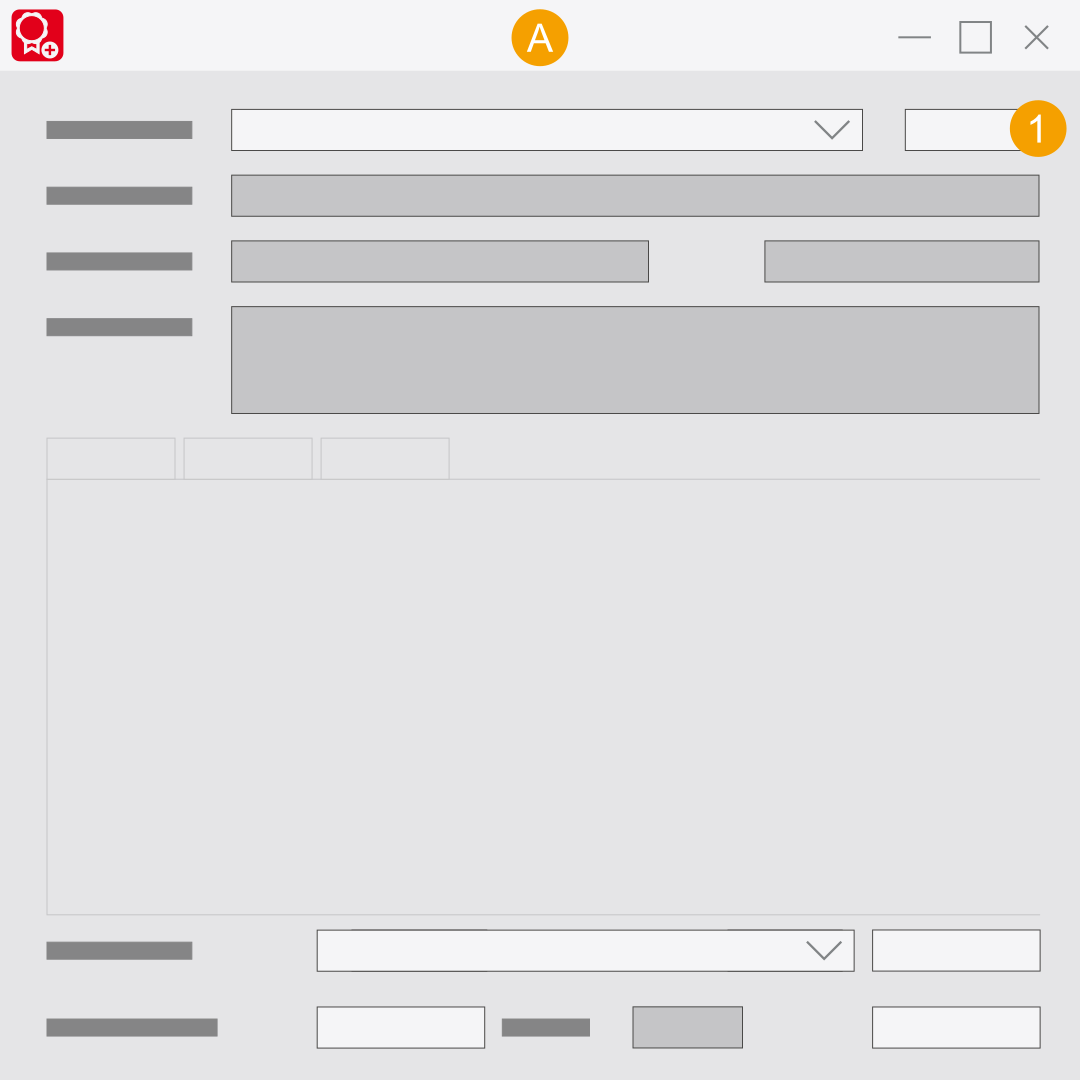
- In the License Manager field, enter the name and port number of the License Manager, separated by a colon.
- Click the
 icon.
icon. - Select the version of the Eplan License Manager.
- Please fill in the required fields.
- Click OK.
- Press the [Enter] key.
- You have successfully connected the
Eplan License Manager - Monitor to the Eplan License Manager.
Example:
 Alternative procedure
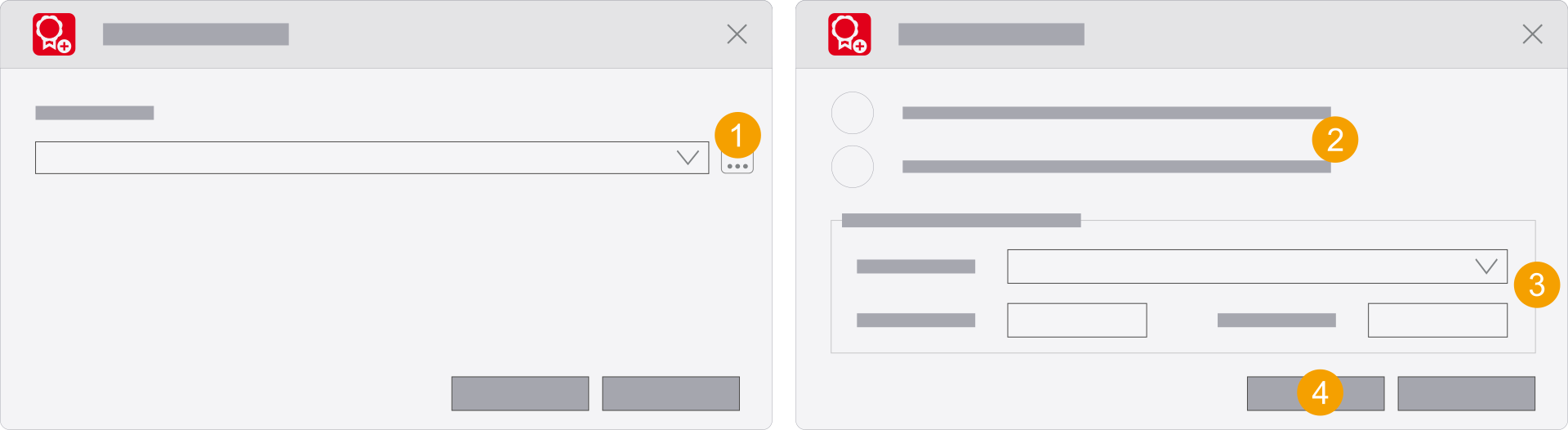
Disconnecting the Monitor
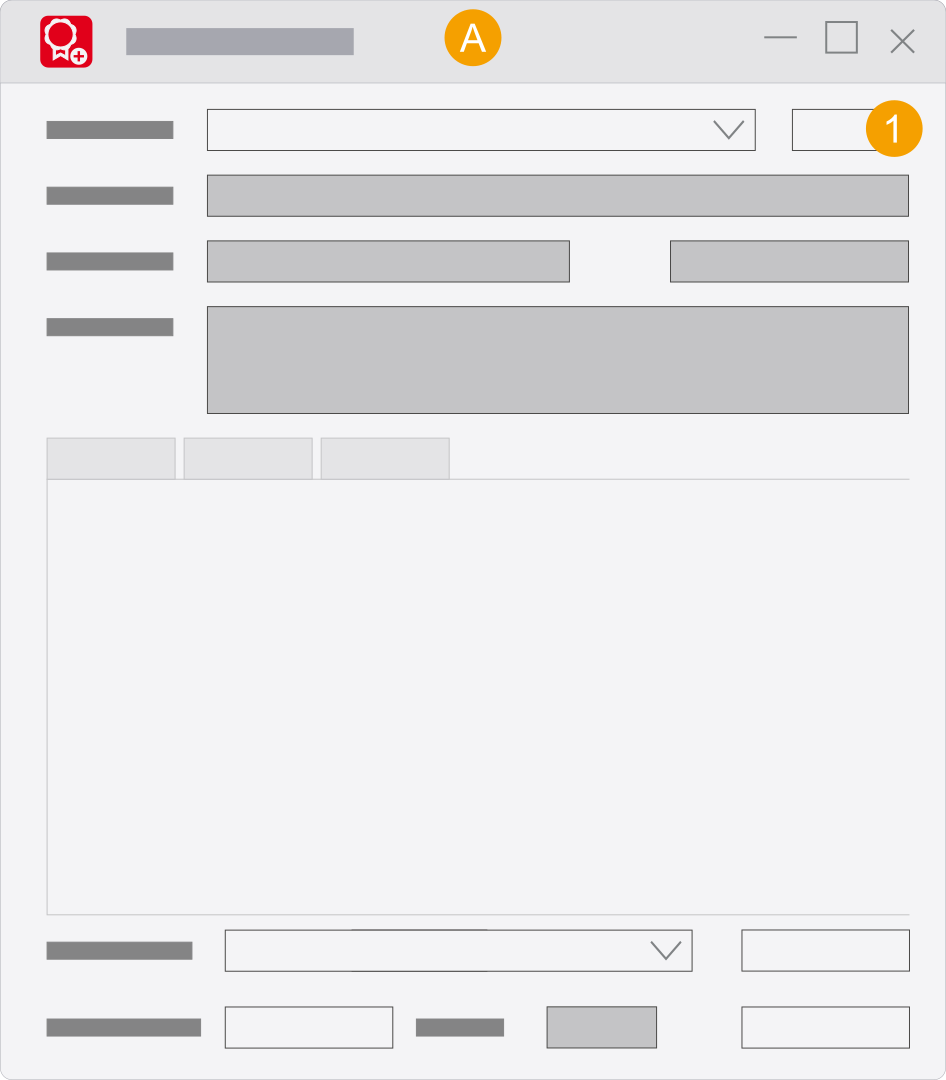
- Separately installed
Eplan License Manager - Monitor
- Click Disconnect.
- You have successfully separated the
Eplan License Manager - Monitor from the Eplan License Manager.
Connecting or disconnecting the Monitor (up to Version 2025)
Connecting the Monitor
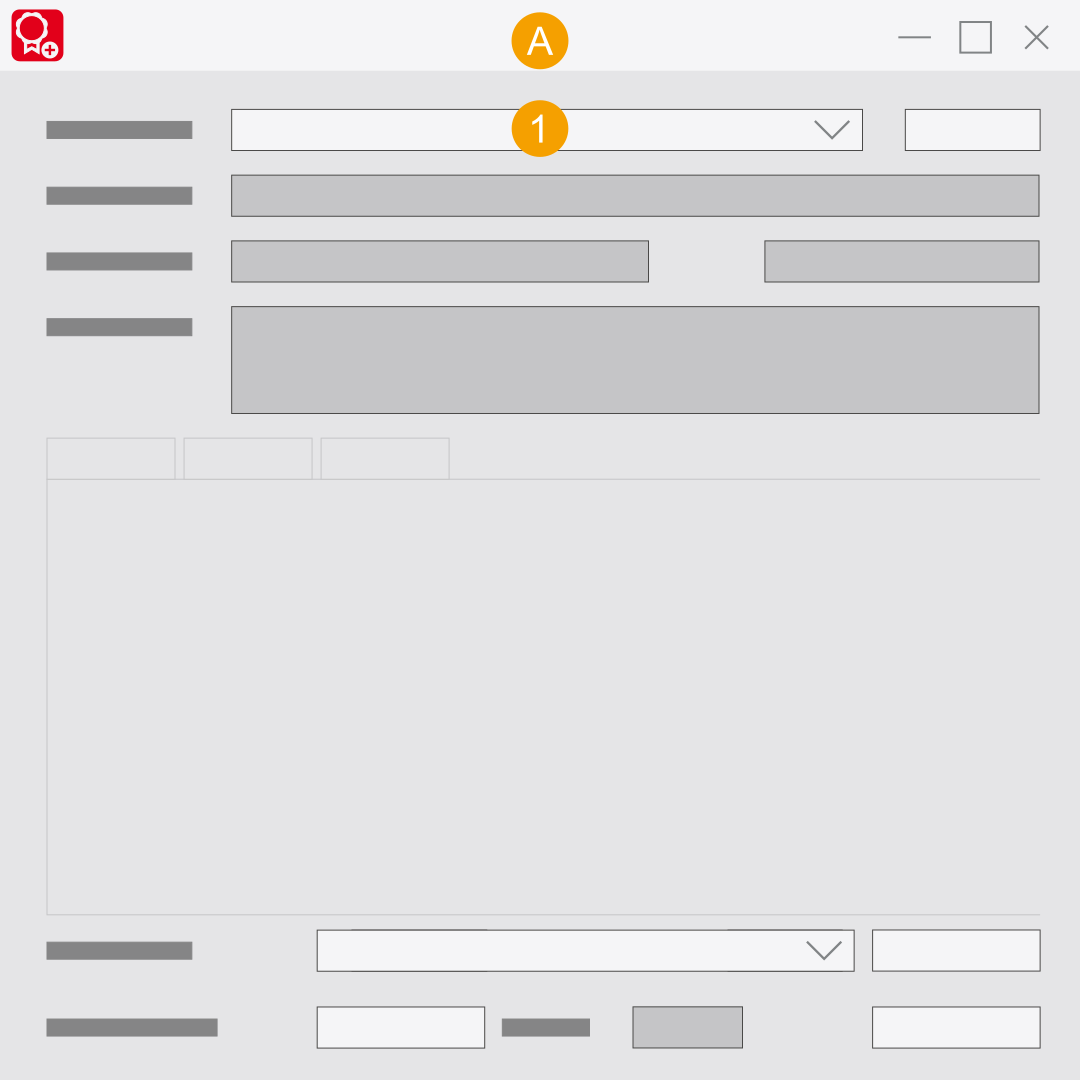
- Separately installed
Eplan License Manager - Monitor
- In the License Manager connection field, enter the name, the Fully Qualified Domain Name (FQDN), or the IP addresses of the Eplan License Manager.
- Press the [Enter] key.
- You have successfully connected the
Eplan License Manager - Monitor to the Eplan License Manager.
Disconnecting the Monitor
- Separately installed
Eplan License Manager - Monitor
- Click Disconnect.
- You have successfully separated the
Eplan License Manager - Monitor from the Eplan License Manager.