This functionality is only available for certain module packages. Info / Copyright

Opening the Monitor

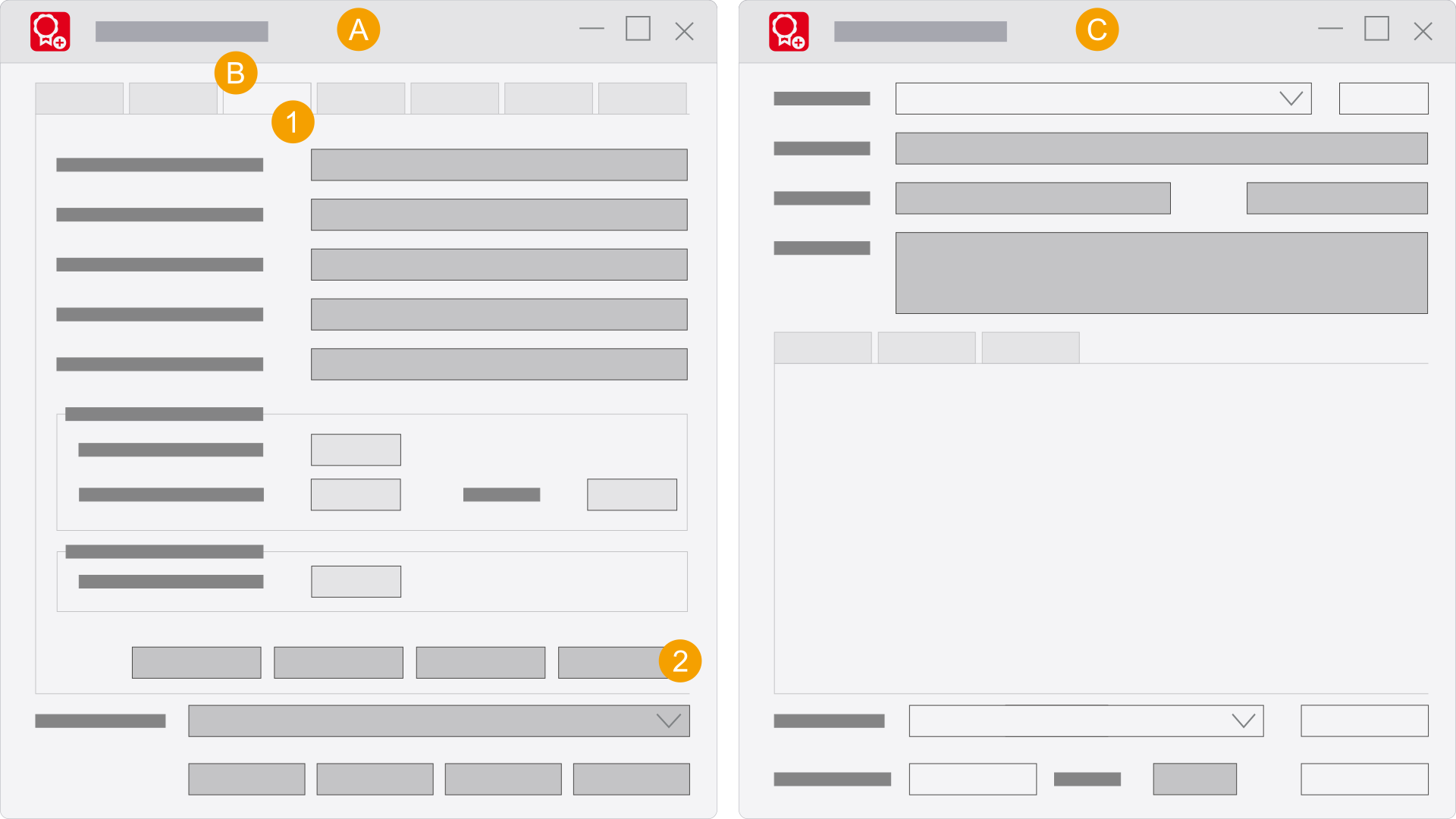
When installing the Eplan License Manager - Monitor, the Eplan License Manager - Monitor link is opened on the Windows Desktop. You can start the Eplan License Manager - Monitor with this link. Alternatively the Eplan License Manager - Monitor can also be opened as an integrated component in the Eplan License Manager - Configurator.

  1. Eplan License Manager - Configurator
  2. Tab Properties
  3. Eplan License Manager - Monitor
  1. Click the Properties tab.
  2. Click Monitor....
  3. You have successfully opened the Eplan License Manager - Monitor.