Monitor : Basics
The Eplan License Manager – Monitor is an integrated component in the Eplan License Manager – Configurator that can also be installed as a separate program on a server or client.
You can have the current license status displayed in the Eplan License Manager - Monitor. The display encompasses the licenses and bundles currently used by the Eplan License Manager. Depending on the user's permissions, the display in the separately installed License Manager - Monitor may, however, differ from the display in the License Manager - Configurator. In addition you can check the status of the Primary and of any existing Standby License Manager.
Take in account the license version that applies for the Eplan License Manager - Configurator and the Eplan License Manager - Monitor. Eplan License Manager: Basics
User interface of the monitor
 User interface
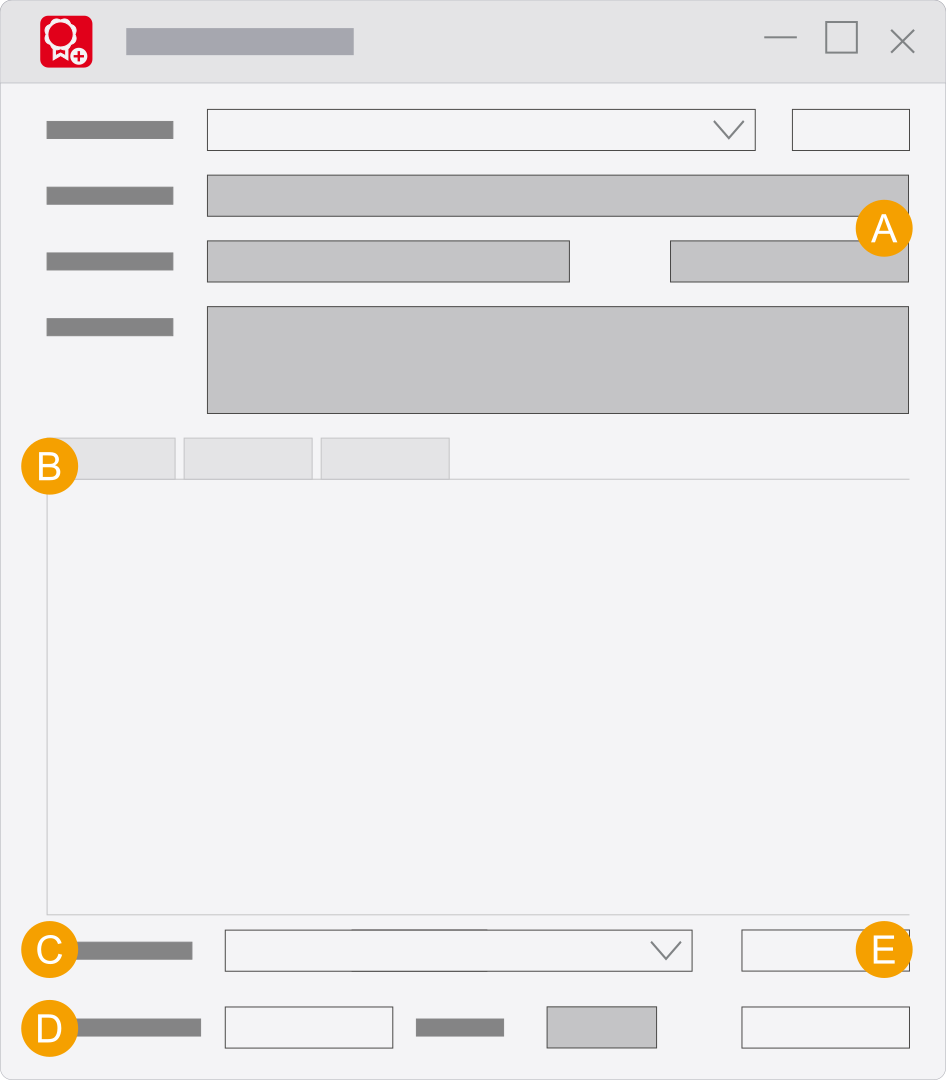
- Information about the status of the license and the Eplan License Manager.
- Tabs
- Here you change the dialog language of the Eplan License Manager - Monitor and restart it.
- Time interval to update of the license monitor.
- Create report: This functionality allows you to evaluate the "
*.rlog " log files that are created by the event log. Creating a report
"Users" user interface
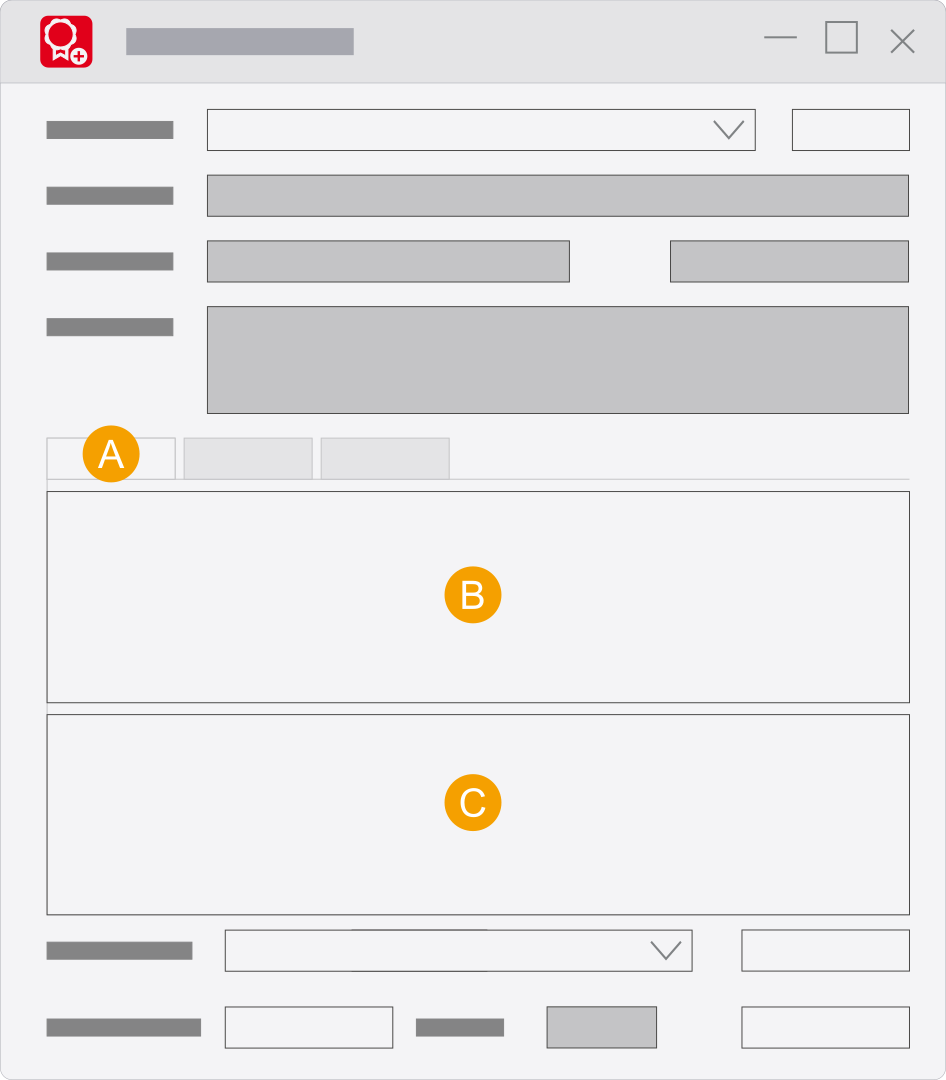
- Users tab: Display of the connected users.
- Display of the users who are using a license including computer names.
- Version of the Eplan License Client, used systems and modules for a user selected under B.
"Licenses" user interface
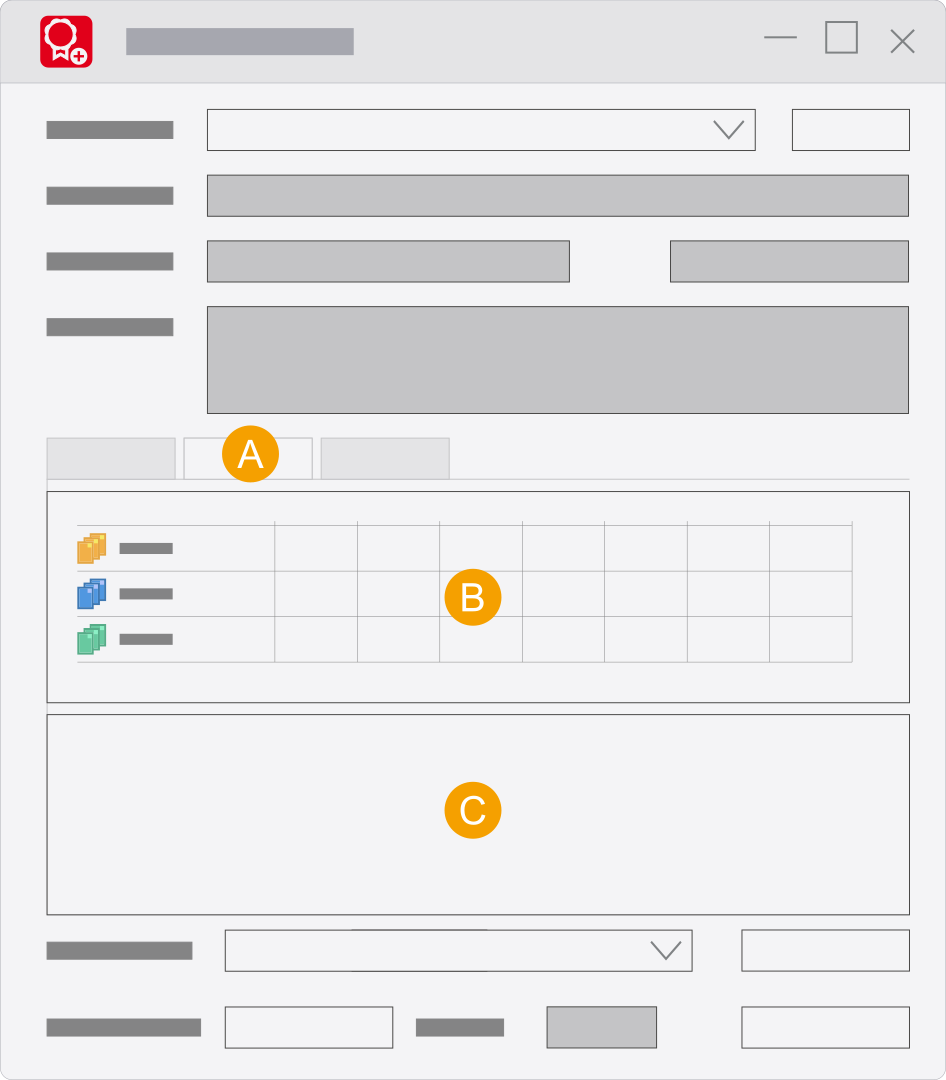
- Licenses tab: Display of the used licenses / bundles.
- Display of the available systems and extensions including the bundle names and current assignment.
- Display of the users for an entry selected under B.
"General" user interface
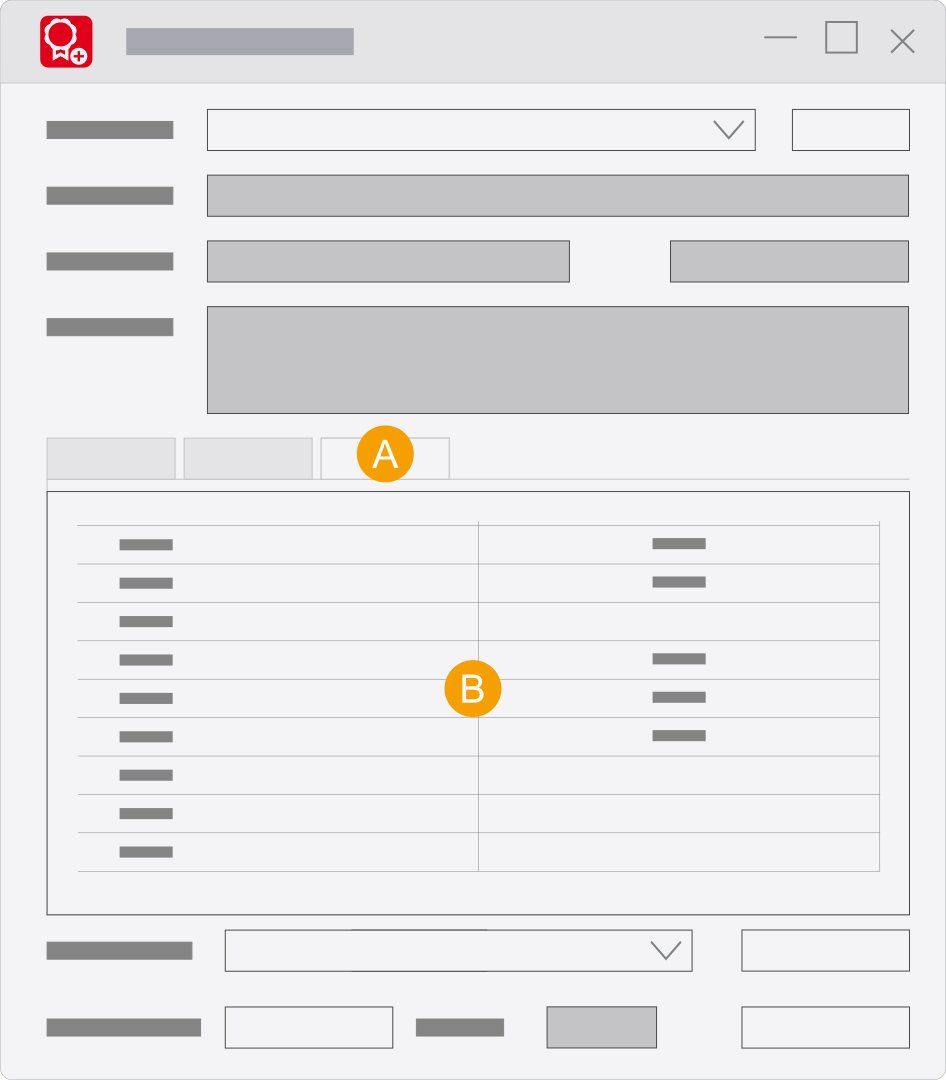
- General tab
- Status information on the connected Eplan License Manager.
User interface of the Monitor (up to Version 2025)
User interface
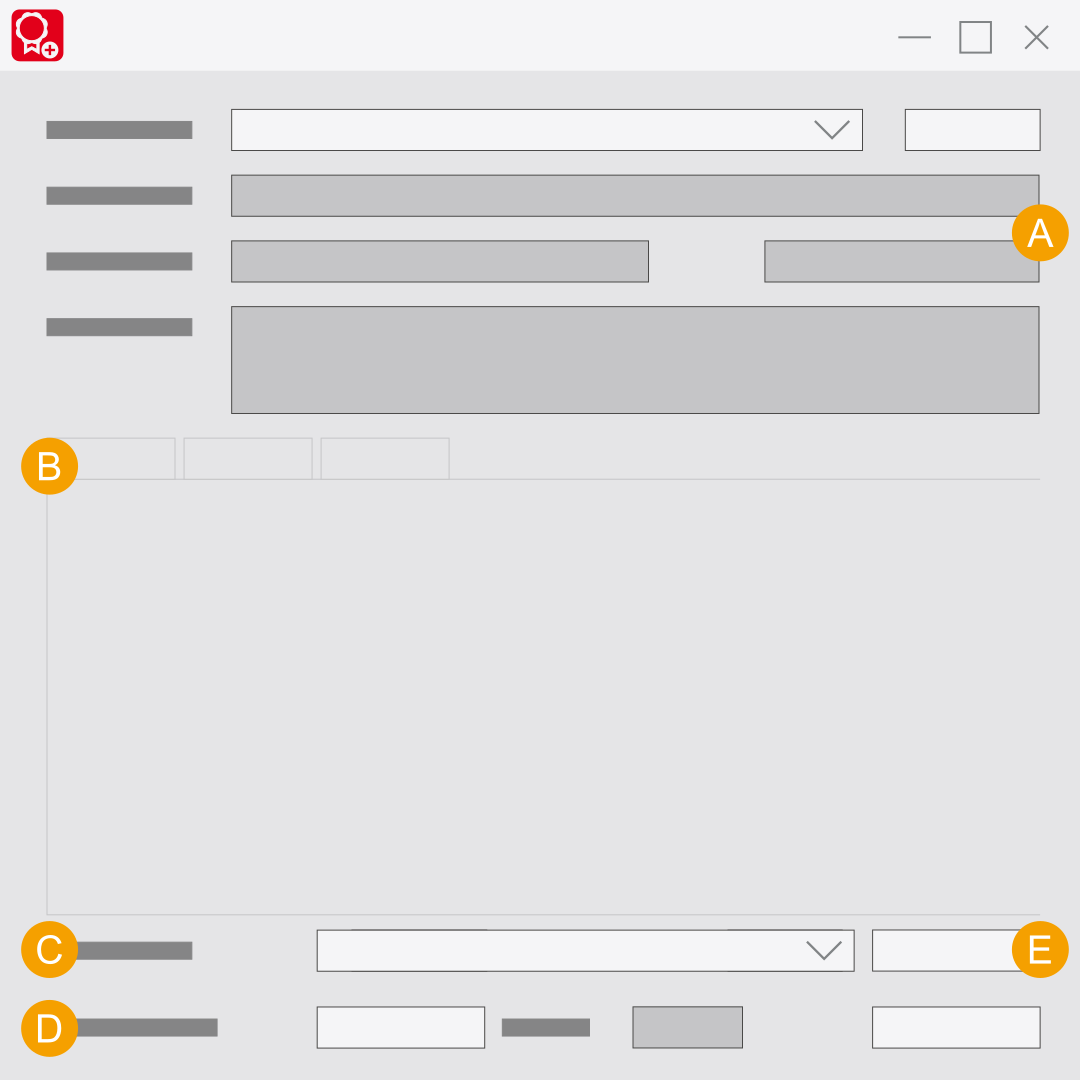
- Information about the status of the license and the Eplan License Manager.
- Tabs
- Here you change the dialog language of the Eplan License Manager - Monitor and restart it.
- Time interval to update of the license monitor.
- Create report: This functionality allows you to evaluate the "
*.rlog " log files that are created by the event log. Creating a report
"Users" user interface
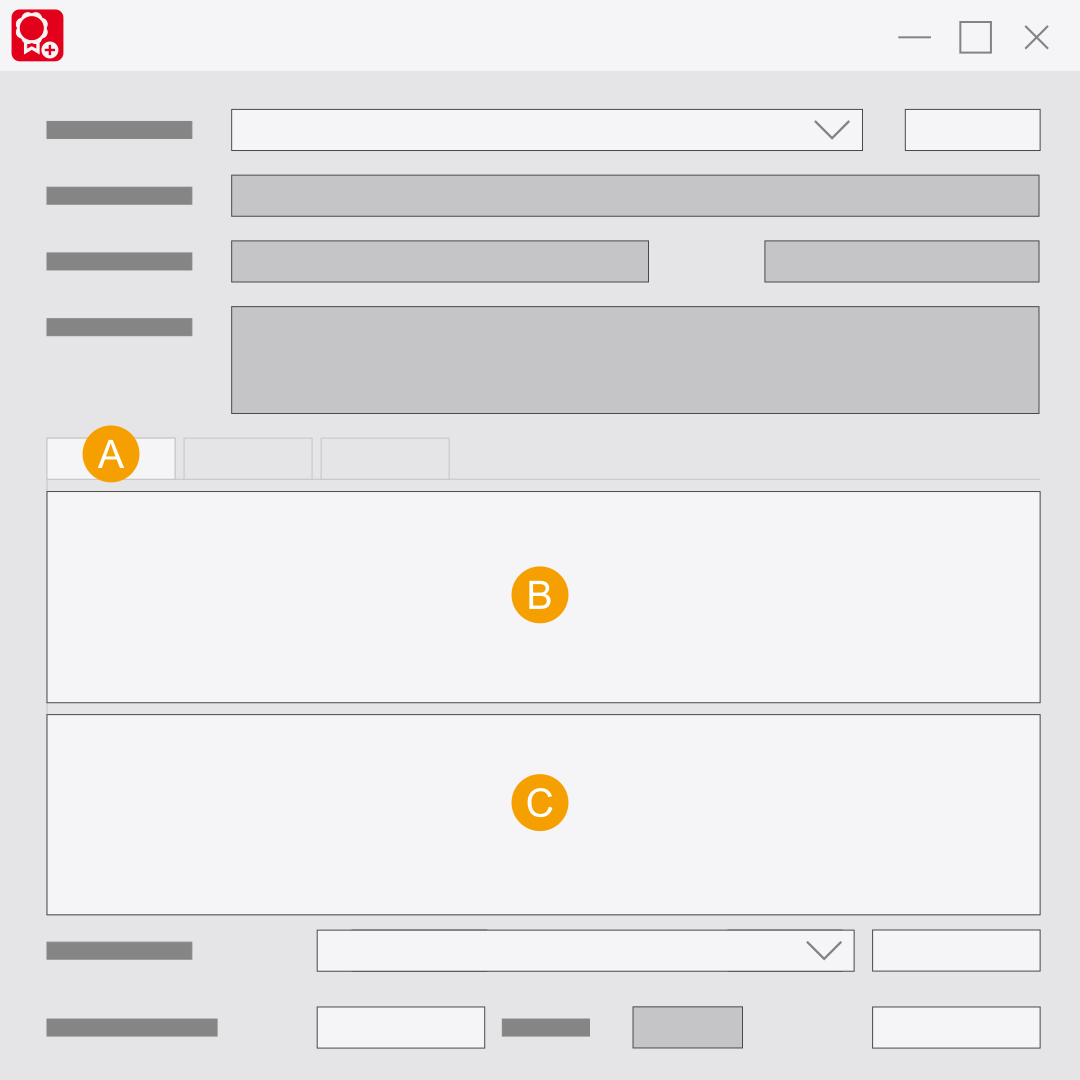
- Users tab: Display of the connected users.
- Display of the users who are using a license including computer names.
- Version of the Eplan License Client, used systems and modules for a user selected under B.
"Licenses" user interface
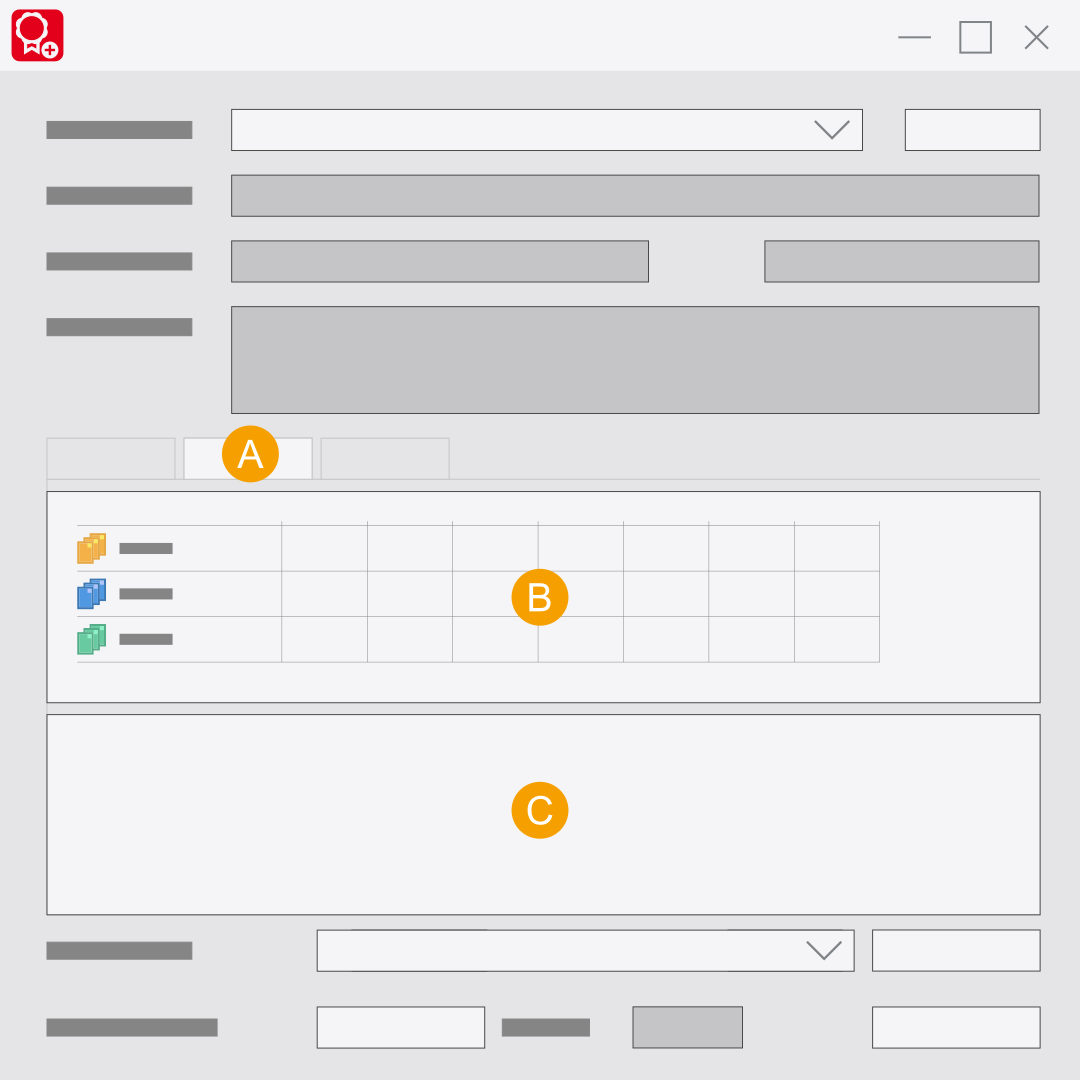
- Licenses tab: Display of the used licenses / bundles.
- Display of the available systems and extensions including the bundle names and current assignment.
- Display of the users for an entry selected under B.
"General" user interface
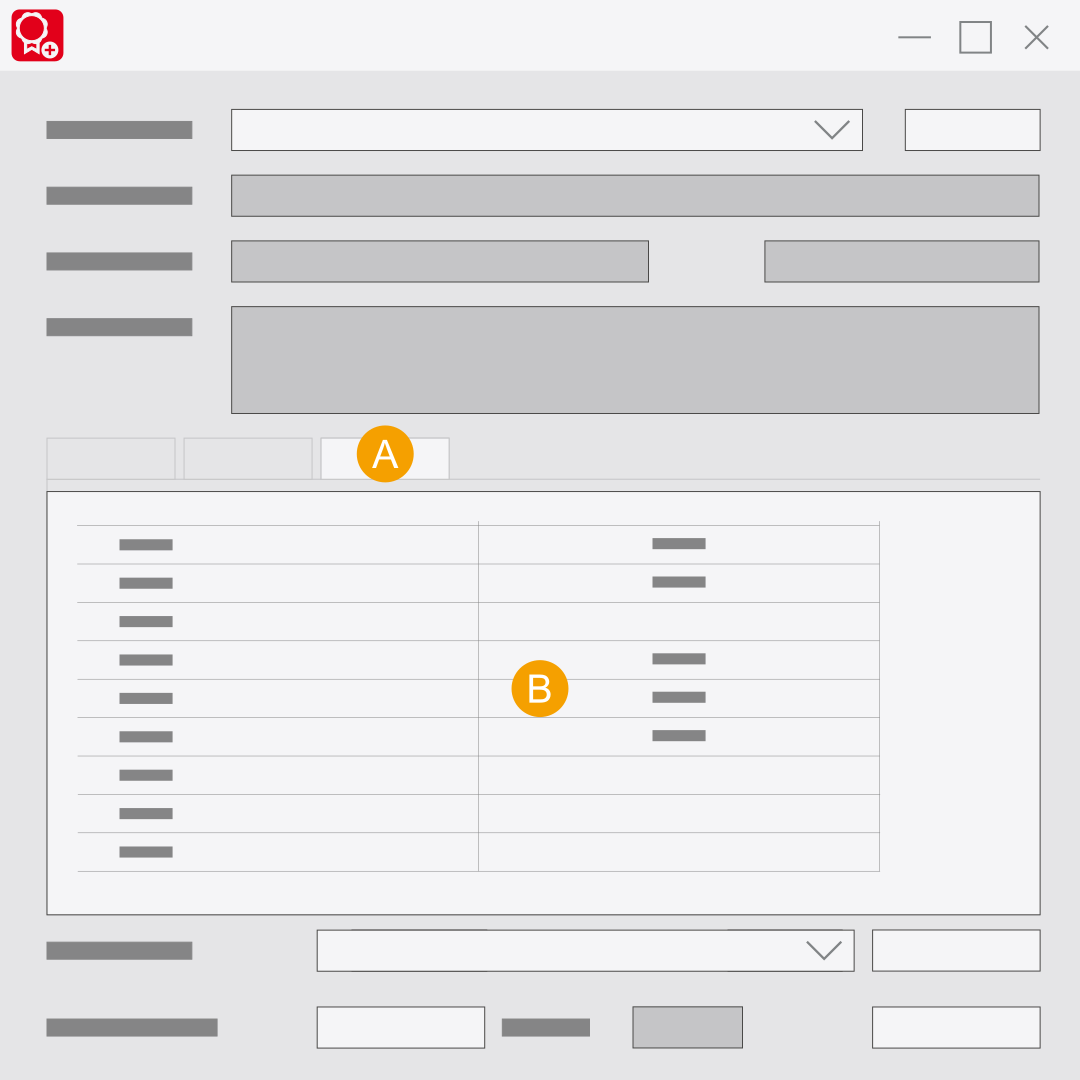
- General tab
- Status information on the connected Eplan License Manager.