Setting or changing the password
Prerequisite: The Properties tab is open.
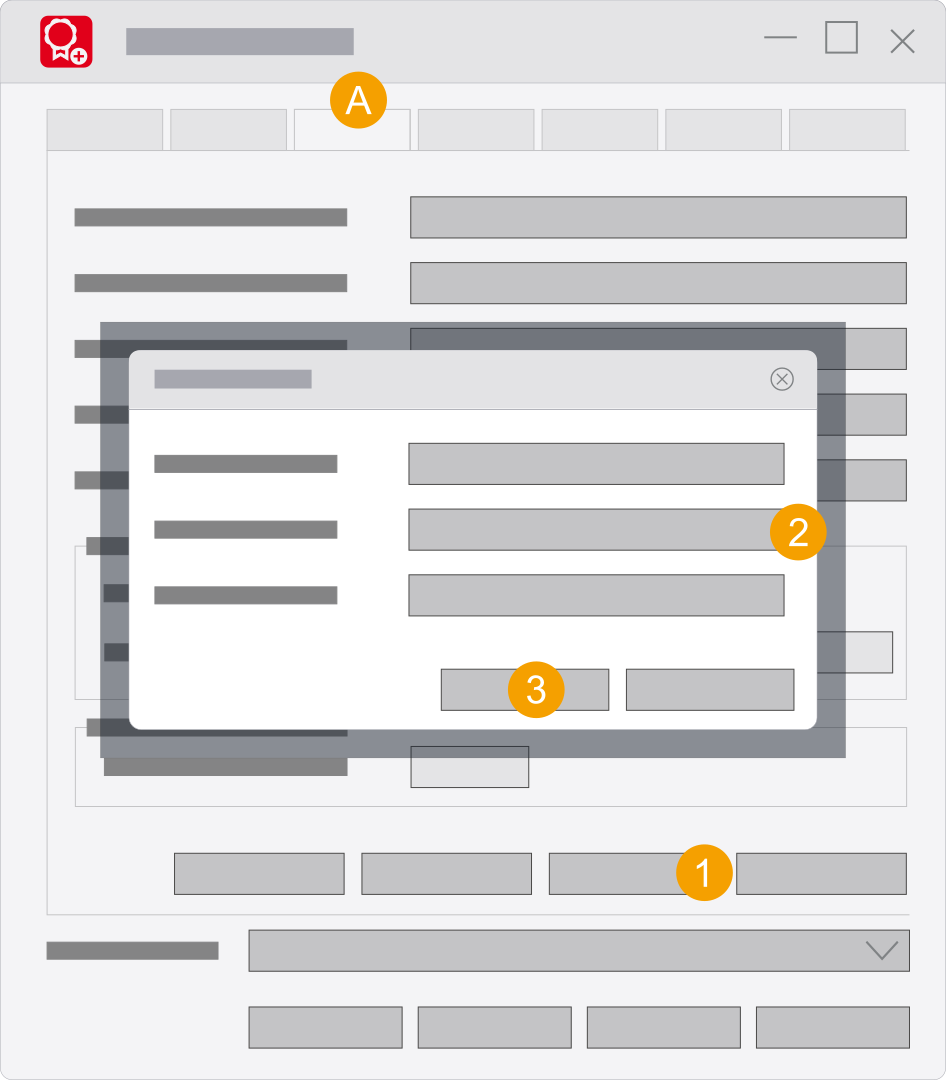
- Tab Properties
- Click Change password.
- Enter your password.
- Enter the new password a second time in the Confirm field.
- Click OK.
The Change password dialog opens.
During the initial setting up of a password the Old password field must not contain an entry. If you change the password, you have to enter the correct old password here.
Note
The next time the Eplan License Manager - Configurator is started, the Start Primary License Manager - Configurator dialog is displayed and you must enter the password before you can make further settings.